 2:21
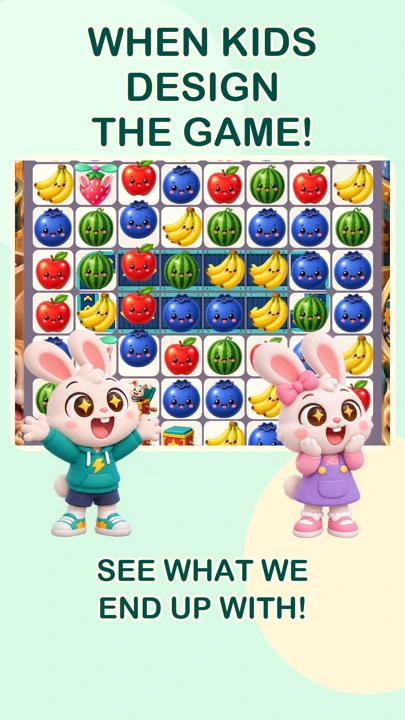
Episode 1 · Bunny Match
When kids design the game!
Lucas has a few ideas for Dad’s game… and then a few more. A little match game becomes a wonderfully silly bunny adventure.
Watch on YouTube ↗ Play N.A.N.I.
One dad. Two little creative directors.
Lucas and Emily dream up wonderfully ridiculous games—and Dad brings them to life. It started with a wish for the fun games in the ads, without the ads. Follow our animated family adventures, then jump into the real games.
2:21Episode 1 · Bunny Match
Lucas has a few ideas for Dad’s game… and then a few more. A little match game becomes a wonderfully silly bunny adventure.
Watch on YouTube ↗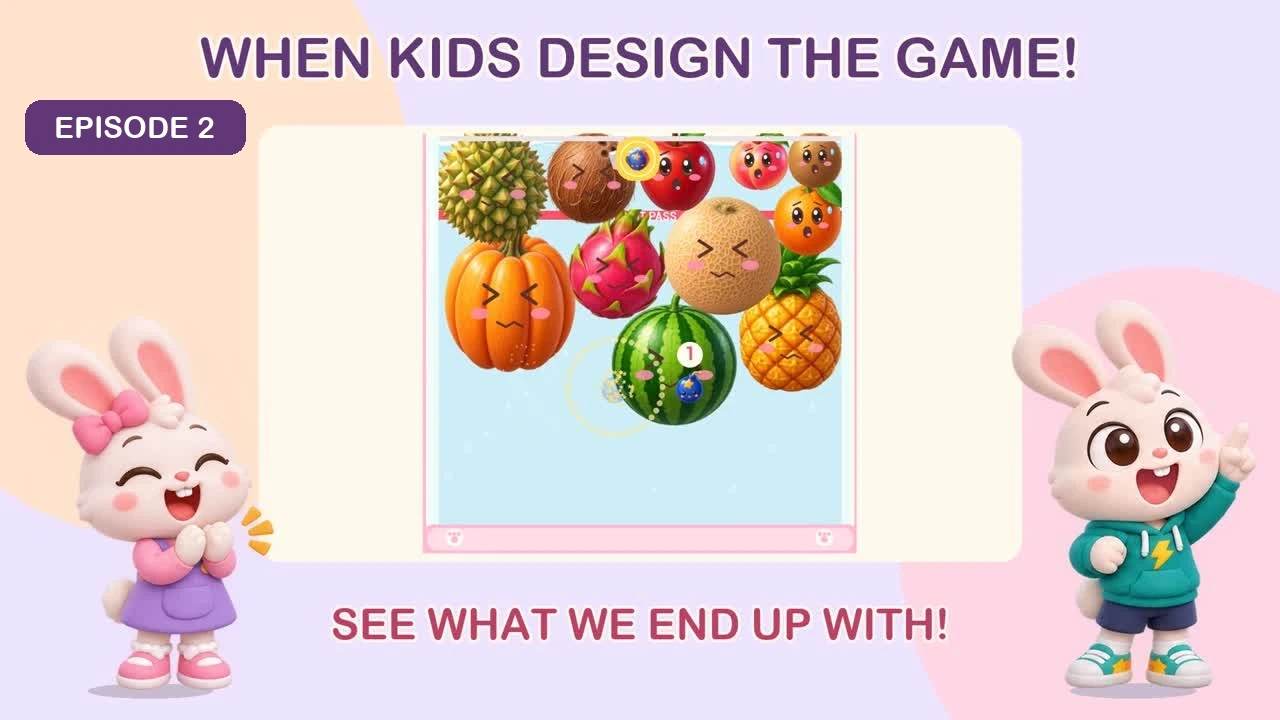 1:43
Episode 2 · Fruit Drop
More fruit. Bigger fruit. More explosions! Lucas keeps asking, and Dad tries to keep up.
Episode 2 on YouTube ↗Daddy: Programmer, artist, sound designer, bug fixer, lunch maker and the entire support department.
Lucas, 4: Chief idea generator. If he asks for a pie to fly at Bunny’s face, there is a reasonable chance it will happen.
Emily, 2: Cuteness director. Ugly bunnies and ugly buttons are sent back for another try.
For parents & guardians
A question, a stuck game or something that made your family smile?
Send a suggestion or problemFind Play N.A.N.I. on the App Store for iPhone and iPad, or Google Play for Android.
There are no third-party ads. An optional TV button can open one of our own bundled mini-games or a Math Wiz challenge to earn an in-game helper. It does not send your child to an advertiser or require another download.
Progress, parent settings and play time are saved locally on the device and kept through normal updates. Deleting the app can remove that data. If a game freezes, try closing and reopening it before reinstalling.
Open the protected parent settings from the heart on the main game-choice screen. Hide individual games, adjust sound and music, and manage local play time. Picture-based help is available inside the games.
Yes. No game account or internet connection is needed to play. Downloads, updates, this website and YouTube videos need a connection.
Please include the game, level, app version, device model and what happened. Screenshots help, but leave out personal information. Parents or guardians should contact us on a child’s behalf.